Stream over 41,821+ live TV channels and 177,000+ movies & series in crystal-clear 4K UHD and FHD resolution with stable playback. Compatible with all Smart TVs, Firestick, Android, iOS, and PC devices.

The 12-month subscription is C$95 and includes a bonus month when this promotion is active.


Discover an infinite library of latest cinema releases, binge-worthy series, and classic movies updated daily with multi-subtitles and pristine 4K resolution.










Never miss a match. Stream live NHL, NFL, Premier League, Formula 1, UFC, NBA, Champions League, and major PPV events with zero lag or buffering.












Take a sneak peek at our sleek Hot Player interface. Enjoy instant category sorting, EPG TV guide, electronic program search, and responsive layout across all your devices.
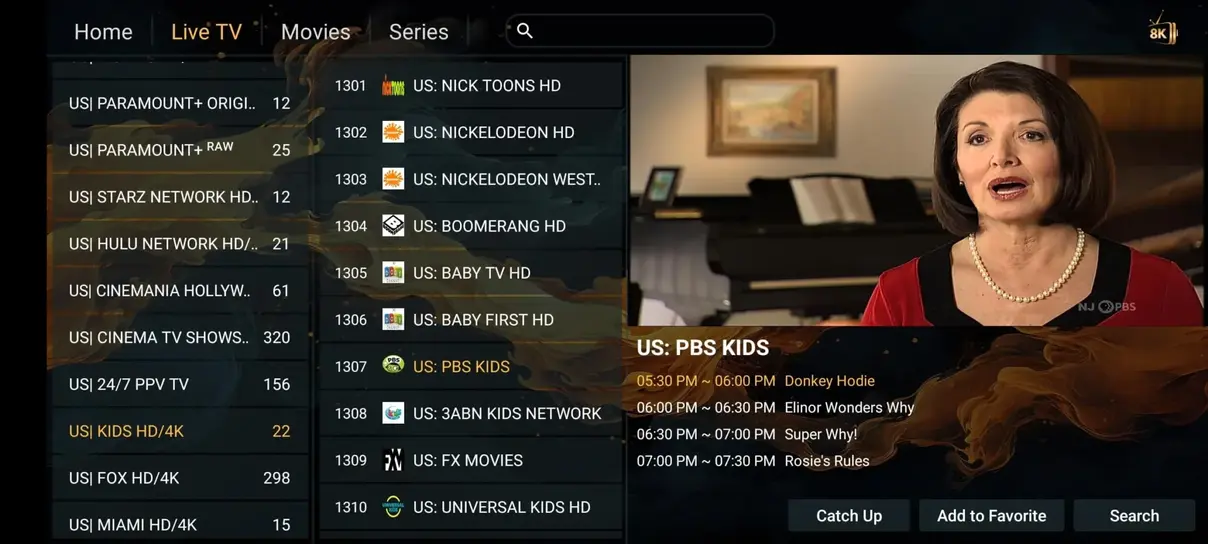
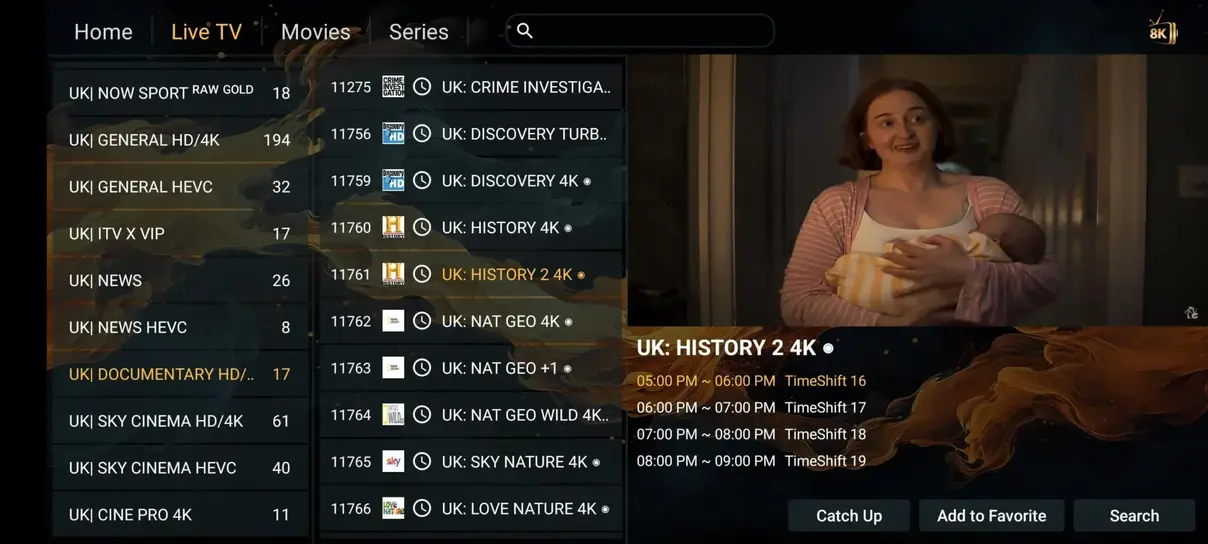
Why pay astronomical cable bills every month? Switch to Nexus4KTV and enjoy thousands more channels at a fraction of the price.
| Feature | nexus4ktv iptv | Cable / Satellite TV |
|---|---|---|
| Annual Cost | nexus4ktv iptv: C$95.00/year | Cable/Satellite: C$1,200+/year |
| Live Channels | nexus4ktv iptv: 41,821+ | Cable/Satellite: 200–500 |
| Movies & Series | nexus4ktv iptv: 177,000+ | Cable/Satellite: Pay extra per movie |
| Adult Channels | nexus4ktv iptv: Included | Cable/Satellite: Not available |
| 24/7 Channels | nexus4ktv iptv: 1,000+ | Cable/Satellite: None |
| All Sports Included | nexus4ktv iptv: Included | Cable/Satellite: Not included |
| No Contracts | nexus4ktv iptv: Yes | Cable/Satellite: No (12-24 mo commitment) |
| Watch Anywhere | nexus4ktv iptv: Yes | Cable/Satellite: Limited to home TV box |
Choose your device count and currency. Unlock crystal-clear 4K streaming with instant WhatsApp activation.
Compared with renewing 1-month plan
Compared with renewing 1-month plan
Compared with renewing 1-month plan
Flexible monthly plan for 1 device. Full access to all 41,821+ live channels, VOD & sports.
Watch simultaneously on 2, 3, or 4 devices in different rooms or locations with full feature parity.
Watch on 2 screens at the same time
Watch on 3 screens at the same time
Watch on 4 screens at the same time

Get up and running in less than 5 minutes on any device with our quick setup protocol.
Download and install the HOT Player app (or IPTV Smarters / TiviMate) on your Smart TV, Fire Stick, Android Box, or Mobile device.
Open the app and input the activation credentials (M3U Link or Xtream Codes) sent directly to your WhatsApp by our support agent.
Your playlist of 41,821+ live channels, VOD movies, and live sports loads instantly. Sit back and enjoy crystal-clear 4K streaming!
Nexus4KTV runs smoothly on Smart TVs, Amazon Firestick, Android TV boxes, iPhones, iPads, Windows PCs, MacBooks, MAG boxes, and Formuler.




Thousands of subscribers across Canada and Europe rely on Nexus4KTV for sports, movies, and international channels with a focus on stable playback.

"Nexus4KTV is by far the most stable IPTV service I've ever tested. Every football match streams in crisp 4K without a single drop or buffering circle!"

"Setup took less than 3 minutes on my Samsung TV via Hot Player. WhatsApp support sent credentials immediately. Incredible channel selection!"

"The VOD library is massive. All recent movies are in 4K with multiple audio streams. My whole family uses it across 3 devices seamlessly."

"Outstanding service! La Liga and Champions League streams run smoothly in 60fps. Customer support on WhatsApp is friendly and fast."

"Saved over $1000 a year compared to local cable. The EPG electronic program guide works perfectly on TiviMate."

"Super easy installation on Firestick. The picture quality is clear and crisp, no freezing even during big sporting events!"

"Best 4K IPTV in Canada hands down! Got the 12-month deal with the +1 month free. All Canadian and US sports channels work flawless."
"Nexus4KTV is by far the most stable IPTV service I've ever tested. Every football match streams in crisp 4K without buffering!"
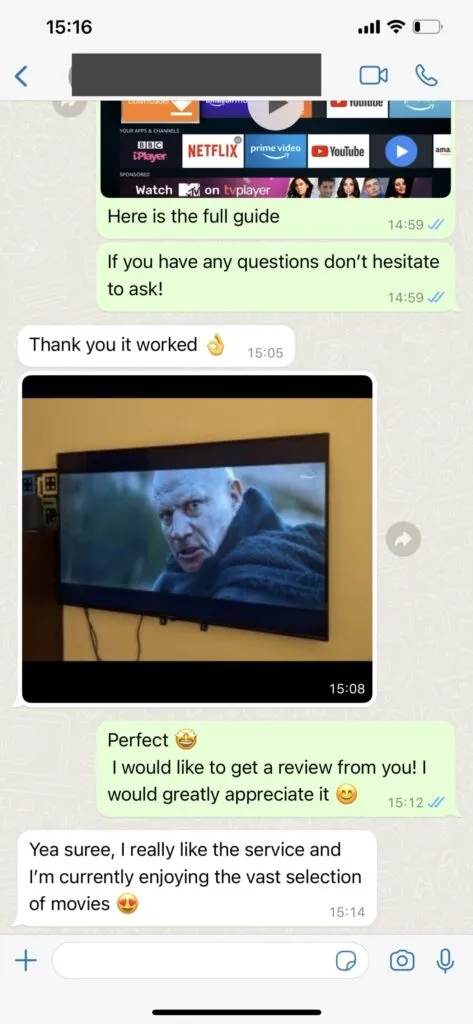
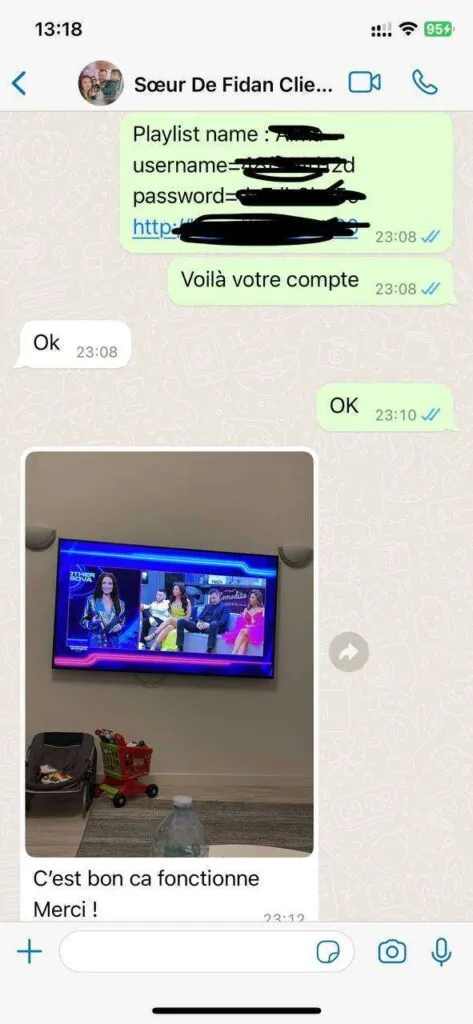
Check out real screenshots of user activations, instant support responses, and positive feedback from our WhatsApp chat.
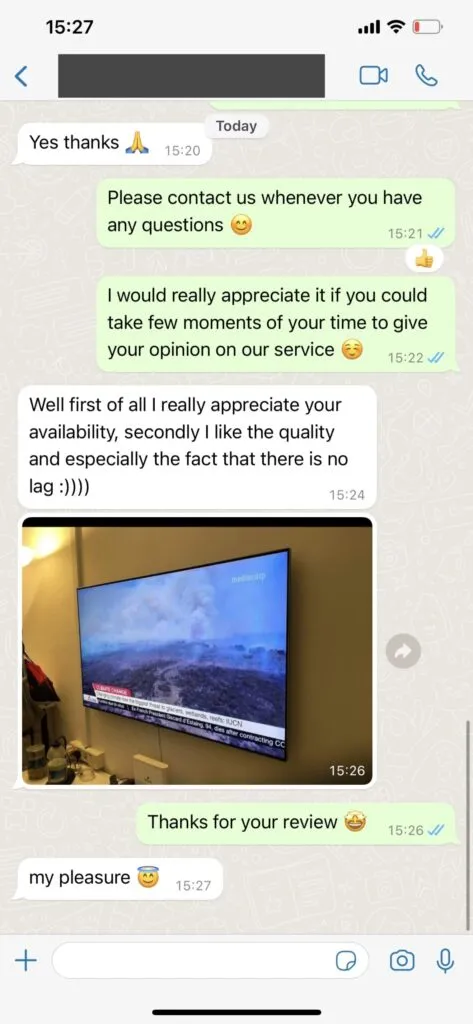
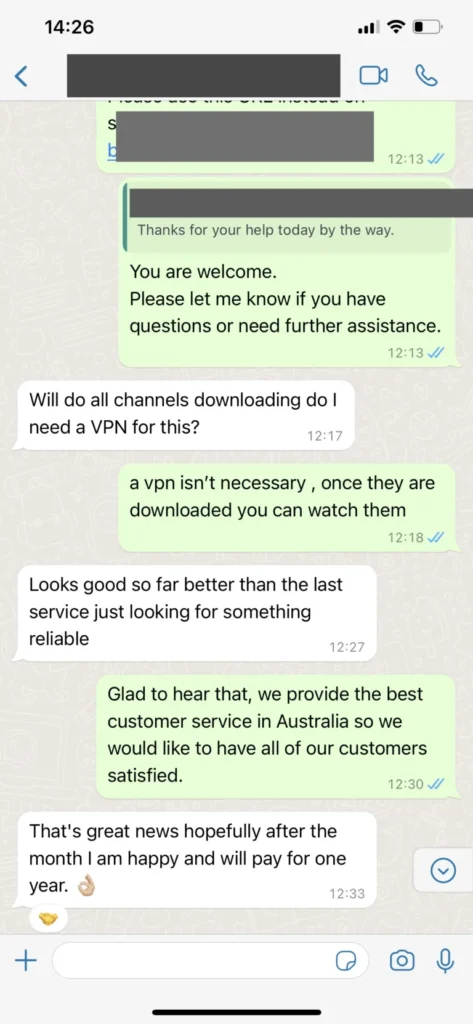
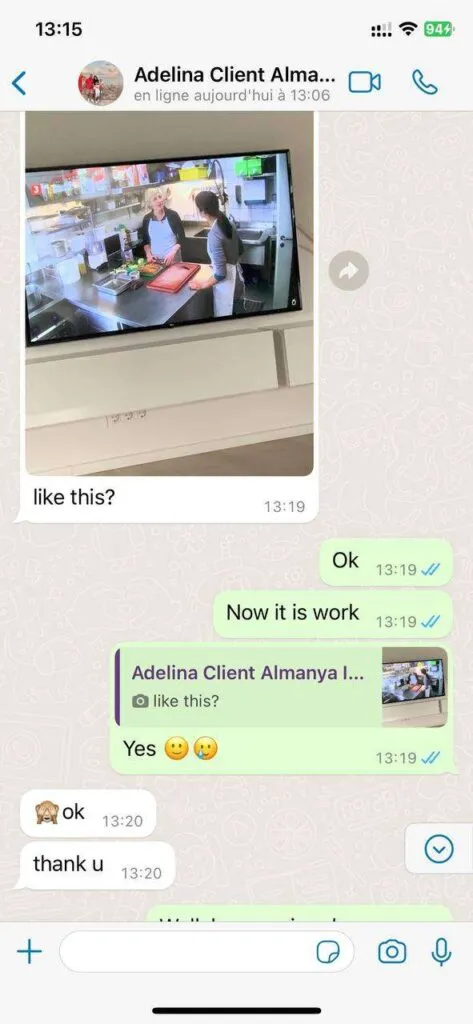
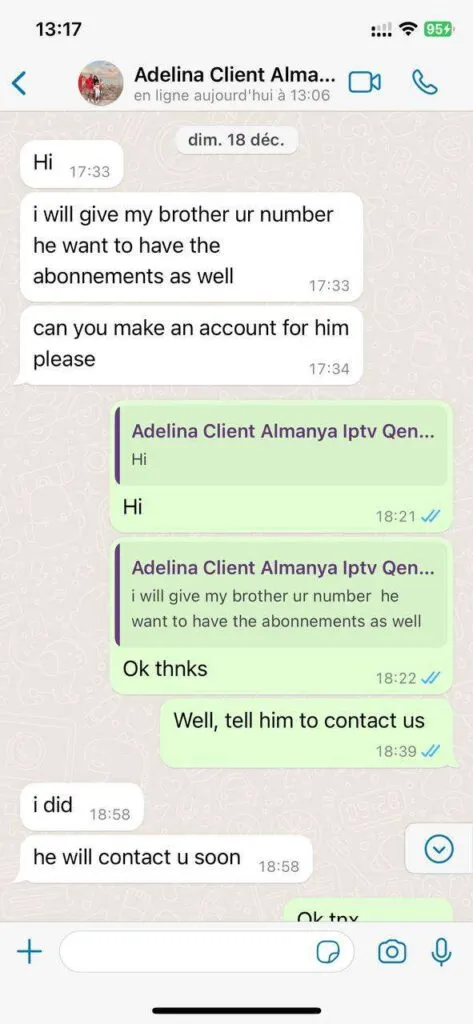
We engineered our infrastructure specifically to eliminate buffering, freeze frame, and missing channels.
Access regional and international live streams across Canada, USA, UK, Europe, and Asia.
Instant access to top streaming platforms content updated weekly in multi-languages.
High-bandwidth infrastructure and practical troubleshooting guidance support stable playback.
Full TV schedule guide integration and Catch-Up replay features for up to 7 days back.
Stream on Smart TV, Firestick, Android, iOS, Windows, Mac, and STB boxes with device-specific setup guidance.
Friendly live agent assistance via WhatsApp to help with configuration and inquiries anytime.
Start with the number of simultaneous screens you actually need. A one-device subscription is suitable when only one stream will play at a time, even if you install a compatible player on several devices. A Multi-Screen option is intended for households that expect two, three, or four streams to run together. Next, compare the fixed total for one, three, six, and twelve months. The selector shows the total you would pay, along with monthly and daily equivalents to make durations easier to compare. Those equivalents are explanations of the total; they are not separate billing schedules. The savings label compares a longer term with buying the one-month option repeatedly at the same device count and currency. Check the total before opening the purchase conversation, because it is the amount associated with the selected subscription.
The quickest setup starts with a compatible player already installed. On a Smart TV, check the television?s app store and note the exact player name. On a Fire TV device or Android box, confirm that the app you plan to use supports the login method in your activation details. Computers and phones offer different players, so the screen you see may not match an illustration from another platform. Keep your device connected to a reliable network, update the player when appropriate, and have enough free storage for its guide and artwork. The installation page explains common M3U, Xtream Codes, and portal flows by device. If setup does not match your screen, share the device model and player name with support rather than guessing at account values.
Live channels, films, series, and programme guides appear through the player you choose. Playback quality depends on the source, your connection, the device, and the player?s settings. A wired connection can be useful for a stationary television, while a strong local Wi-Fi signal may work well for a phone or tablet. Use favourites to organize channels you watch often, and refresh a guide inside the app if schedules seem out of date. Different channels and titles can have different playback options; do not assume every programme offers the same resolution, language, or catch-up period. Review the features, channel categories, and VOD guides for a more detailed explanation before choosing a subscription.
The pricing page has the full fixed-price selector and a more detailed feature list. The device and app guides explain the difference between a player and a subscription, and the troubleshooting guide covers common login or buffering checks. The FAQ answers seven common questions on this page, including device compatibility, internet speed, support, and travel. If you need a service-specific answer, use the contact page to start a conversation and describe your question in plain language. Keep account details private and do not place a playlist link or password in a public review. Reading the relevant guide first can make a support conversation shorter and more useful, particularly when an app has changed its menus after an update.
Got questions? We have answers. Check out our most common inquiries below.
The dedicated support team is available 16 hours daily via WhatsApp. They aim to resolve most issues within minutes and speak English, German, French, and Spanish.
The support team is available 16 hours daily via WhatsApp, covering peak viewing times across European and North American time zones. To upgrade, you simply contact them on WhatsApp, and they will send you a secure payment link within minutes.
The service works on virtually any device, including Smart TVs (Samsung, LG, Sony, etc.), Amazon Fire Stick, Nvidia Shield, Android TV boxes, smartphones, tablets, and computers. You can use their exclusive HOT Player app or any other IPTV player you prefer.
Nexus4KTV provides over 41,821 live channels from across Canada, USA, UK, Europe, and worldwide. It also includes 177,000+ movies and 34,000+ series on demand, plus 1,000+ 24/7 channels.
For HD streaming: A minimum of 10 Mbps is required. For 4K streaming: A minimum of 25 Mbps is recommended. A wired ethernet connection or 5GHz Wi-Fi is recommended for the best experience on your TV.
No, a VPN is not required to use the service across Canada. It works directly. However, some users may choose to use one for added privacy, which is completely optional.
Yes, absolutely. Your Nexus4KTV subscription works anywhere with an internet connection, making it ideal for expats and frequent travelers.
